01
Click the Dauntless icon.
Find the Dauntless Agent icon in the notification area at the bottom-right of your Windows taskbar. Click it to open the agent window.
Don’t see it? Click the up arrow to show hidden icons.


CUSTOMER SUPPORT / DAUNTLESS AGENT
Create a helpdesk ticket within the Dauntless Agent application running on your workstation. Just follow these two steps.
Find the Dauntless Agent icon in the notification area at the bottom-right of your Windows taskbar. Click it to open the agent window.
Don’t see it? Click the up arrow to show hidden icons.
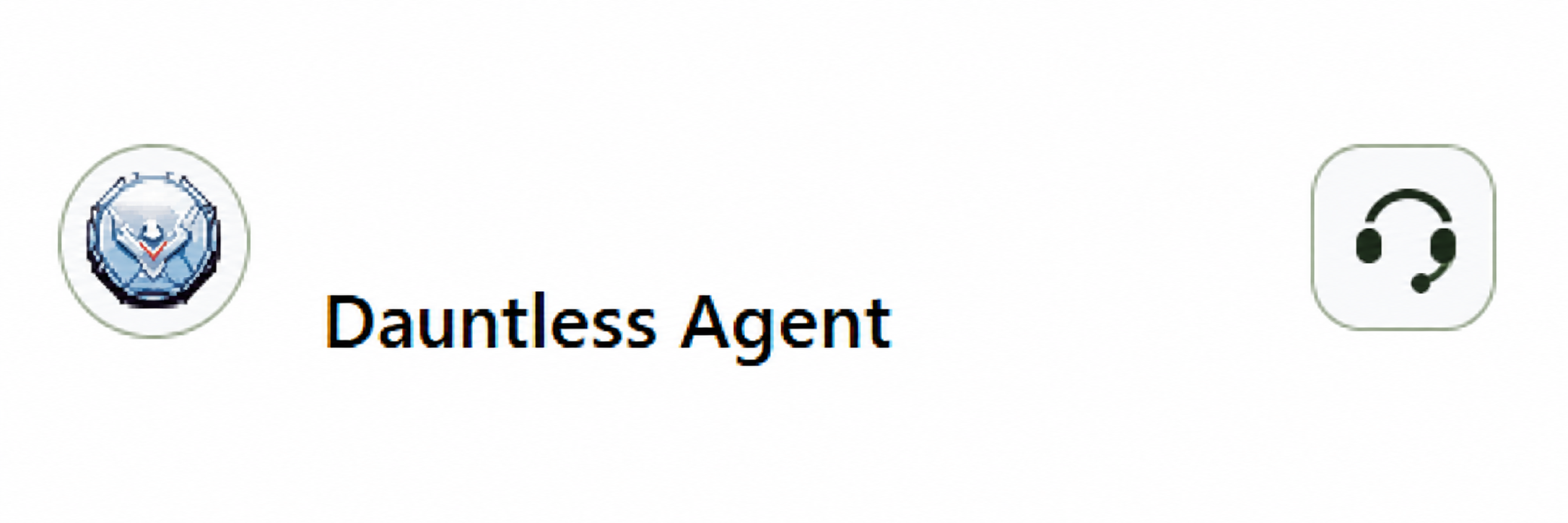
In the window that opens, click the headset icon in the top-right corner to open the helpdesk and create your ticket.
NEED ANOTHER WAY TO REACH US?
Call or email us. New customers are welcome to get in touch, too.